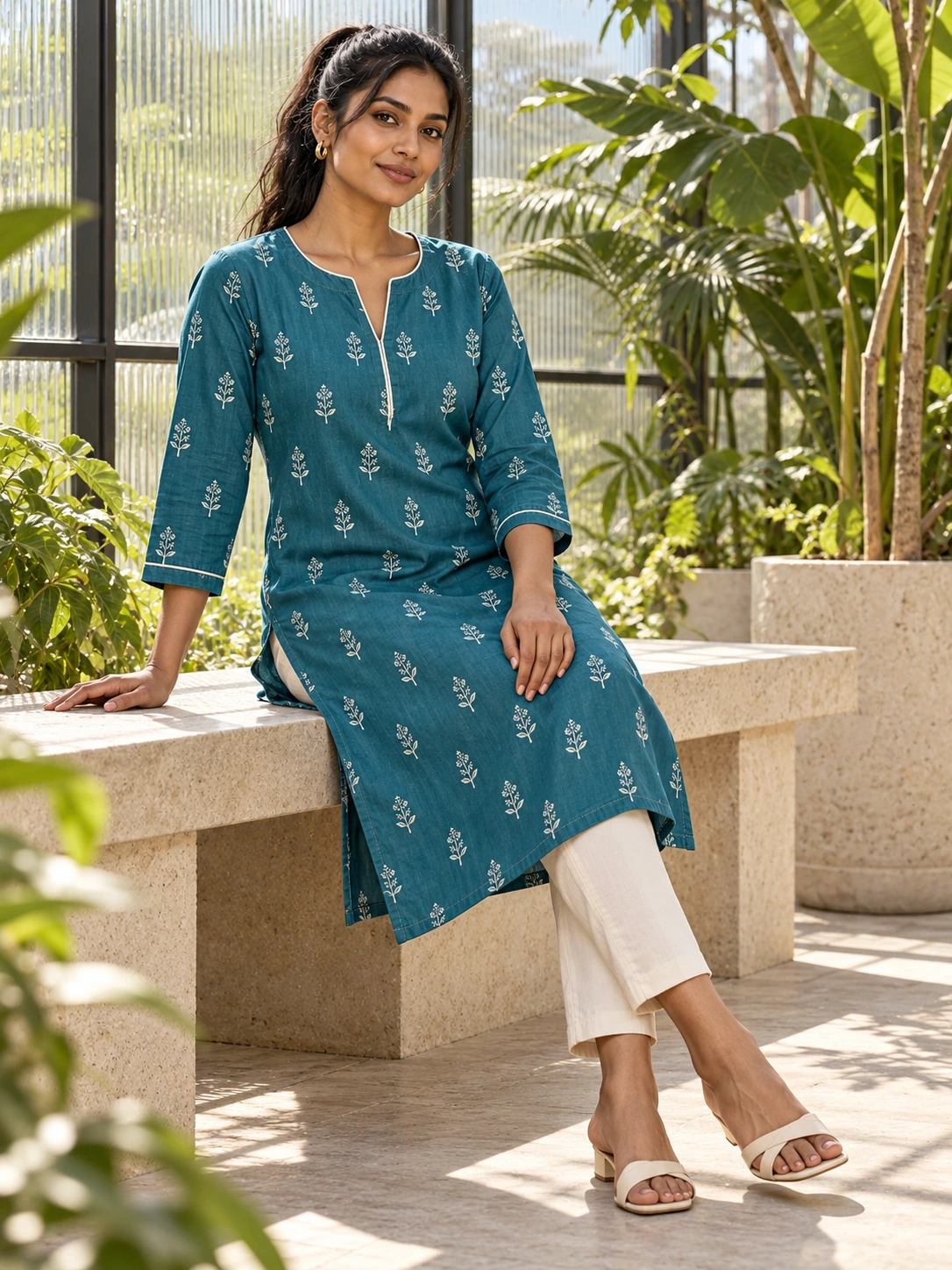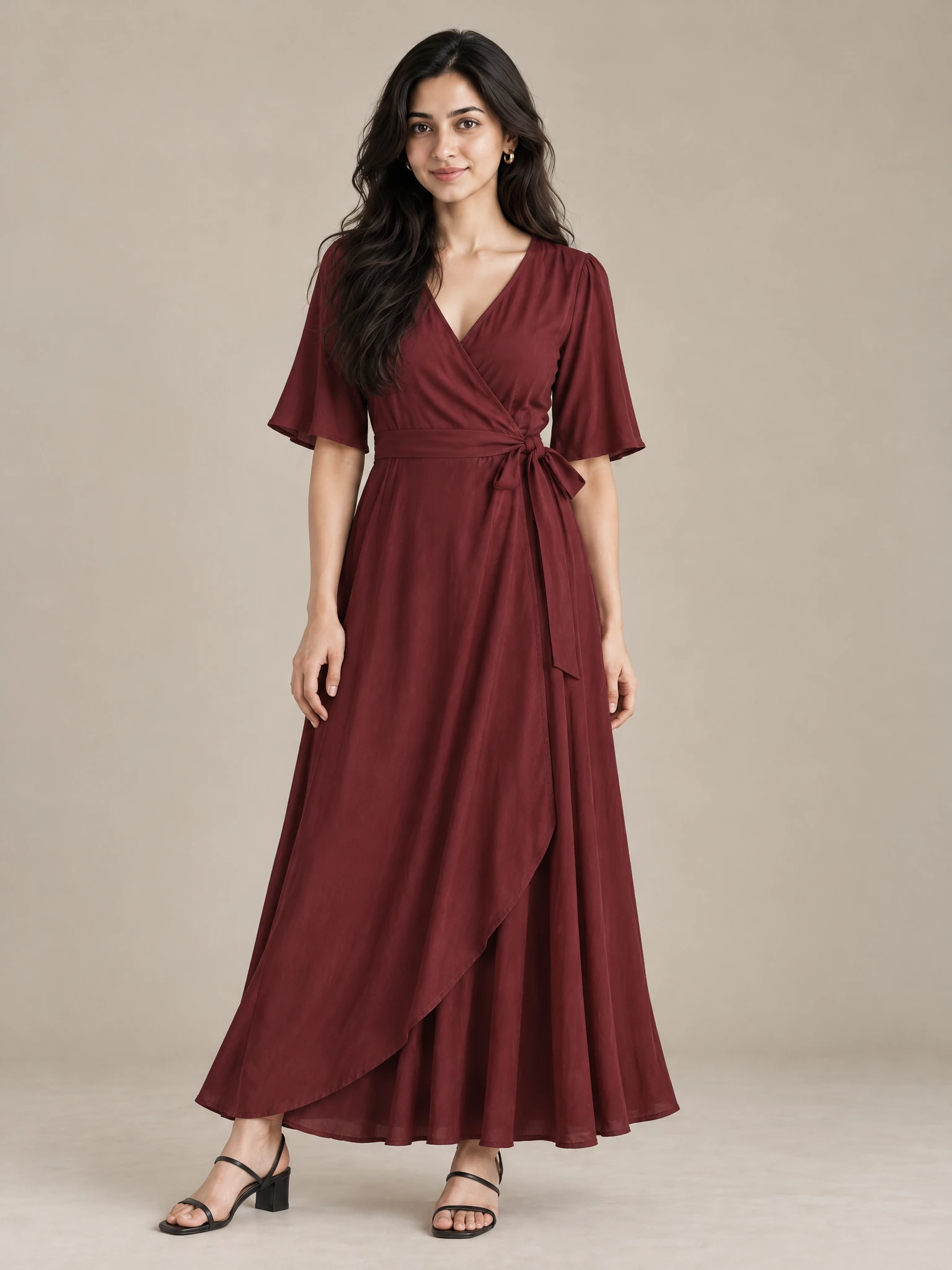
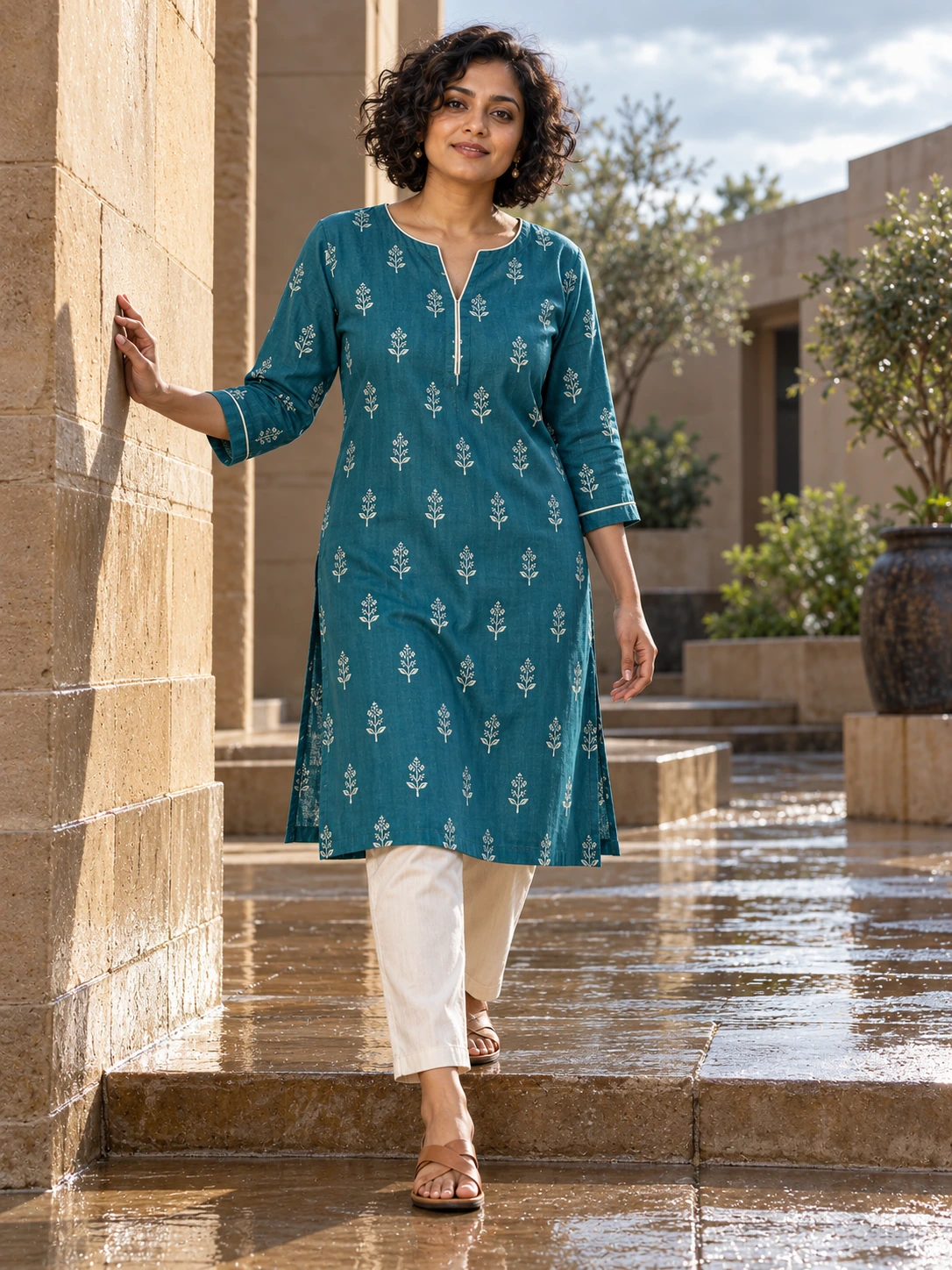
A collection launch becomes easier to manage when every piece has a role. Instead of asking for one perfect image that must do everything, decide what each garment needs to communicate first. Then build a small set of connected moments around that decision.
This approach works well for a small team because it turns a vague content request into a sequence. You can start with one garment, review what feels right, and carry the clearest direction into the rest of the collection.
Start with the launch story
Write one sentence that describes the feeling of the collection in everyday language. It might be relaxed weekend dressing, a bright celebration edit, or quiet pieces for a working wardrobe. Keep the sentence practical enough to guide an image, not so broad that every visual choice seems possible.
- Name the occasion or moment the collection belongs to.
- Choose two or three visual words for the mood.
- Decide what the customer should notice first: colour, shape, print or styling.
- List any words, prices or offers that must be checked before publishing.
Give each garment a content job
Group the collection by the way you plan to use the images. A hero piece may need a confident model shoot for the launch page. A supporting piece may need a clean, easy-to-scan image for the feed. A coordinated set may deserve a shared visual direction so the relationship between the pieces is clear.
Add a representative garment to Catalog and approve its prepared front/back views. Then choose the model and style references that express the launch story. Review that first image before you repeat the direction. Look for the details that make the collection recognisable: the handling of colour, the amount of space around the model, and the balance between product clarity and atmosphere.
Build the sequence from saved images
Once an image represents the garment well, save it as an anchor for the launch. Use saved campaign images to create social ads with the product story, offer or call to action you need for that moment. Give each ad one clear job. A launch announcement, a close look at a detail and a reminder about the collection should not all compete for attention in the same frame.
Story reels let you order saved photos, edit words and colour, add cleared music, then generate clips or record directly from photos. Calendar can plan the week and hold posts for owner approval; Instagram connections are currently restricted to test accounts. Beta moving clips can extend the story from a single saved image. Keep the motion simple enough that the garment remains easy to inspect. A moving moment can introduce the collection or create a change of pace in the feed, while the still image remains the clearest reference for product details.
Use a launch review pass
- Does the first image make the collection idea clear without extra explanation?
- Do the images share a recognisable mood while letting each garment stay distinct?
- Are saved images being reused for a specific channel or message?
- Does every social ad show the correct product, text, price and offer?
- Does each short clip keep the garment visible through the movement?
A launch plan does not need a large number of assets to feel considered. It needs a clear order and a visual direction you can repeat. Start with one strong garment image, save the version you trust, and let the next piece inherit the decisions that made the first one work.