Review the front
Make and check the front before continuing with the remaining poses.
 Get started
Your photoshoot, without the production calendar
Start with approved Catalog garment views. Choose a model and style for a photoshoot or build a front-first listing set.
Plan your first shootPlans from ₹899 / month, before applicable GST. Contact us to get started.

Made for the way you work
Your Catalog product keeps the garment context. Current preparation uses reviewed, face-hidden human front/back garment views, with optional side/detail coverage. Choose from nine female and four male models. Compare every result with the product.
Made for your shop
Listing images use your approved Catalog views, chosen outfit, model and poses.
Make and check the front before continuing with the remaining poses.
Compare shots with the product, save your picks and order them for a shop export.
Export preparation uses no credits. Rebuild the ZIP after image or shop-setting changes; marketplace acceptance is not guaranteed.
Inside the studio
Approved front and back views keep the garment consistent in every photo and listing set.
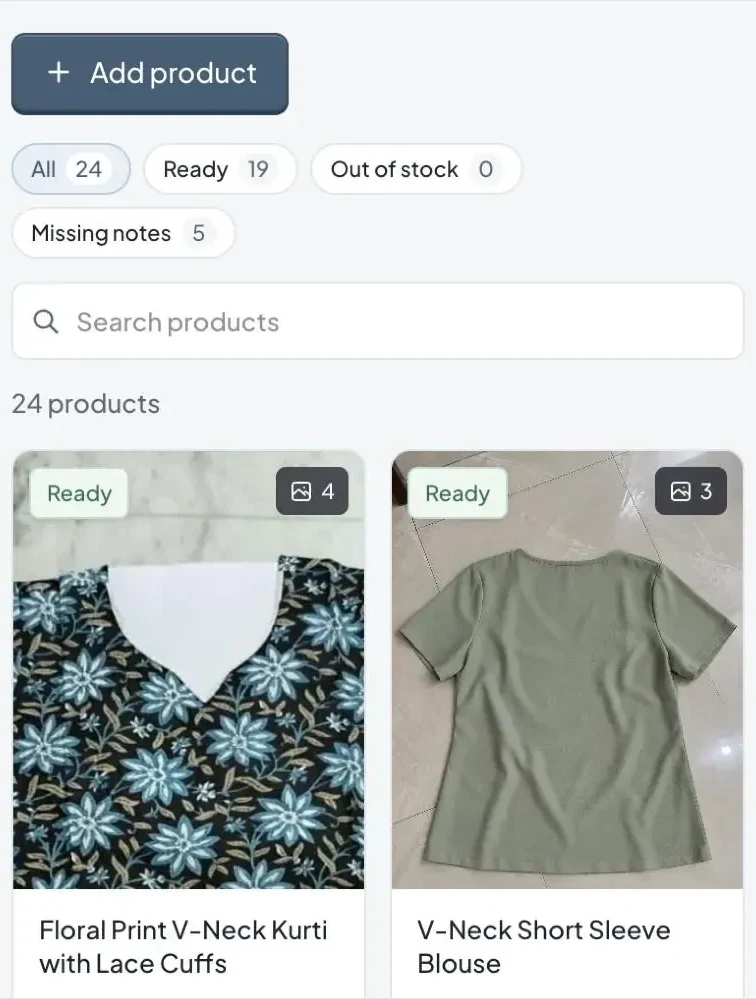
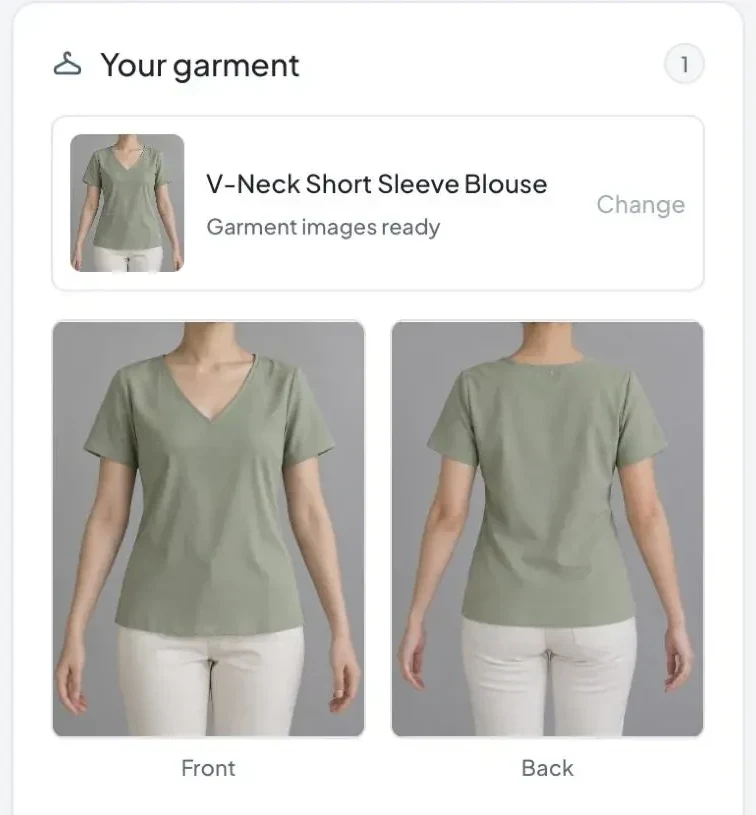
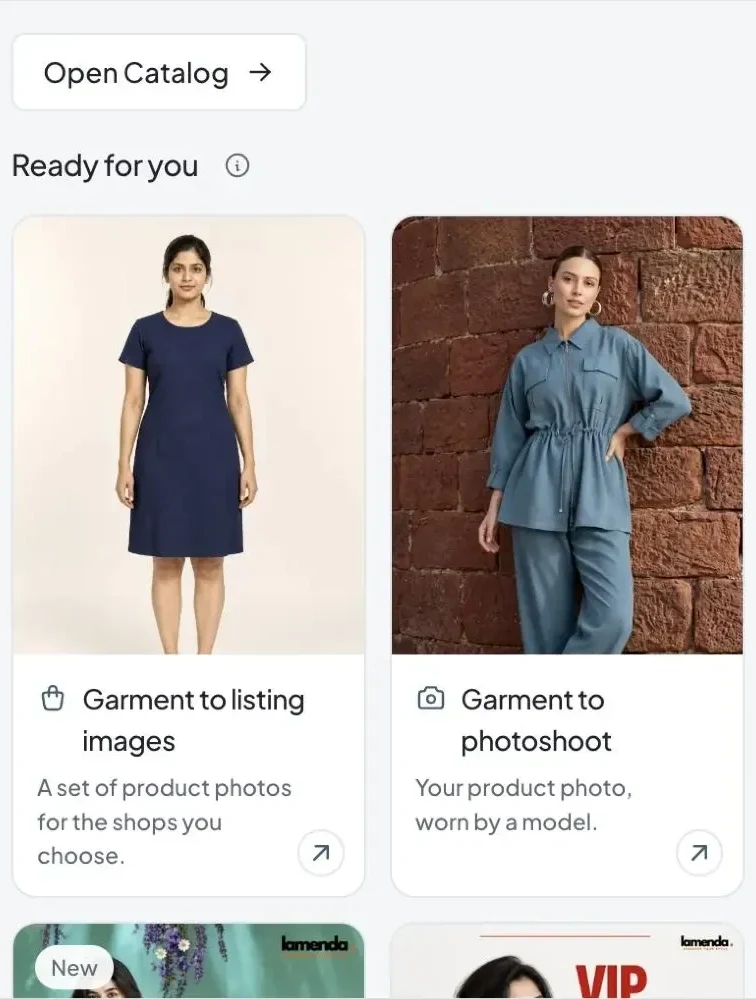
Real Skimzy screens from a sample brand.
Listing sets in the studio
Pick a background for each shop, review the shots, then download a ready set per shop.
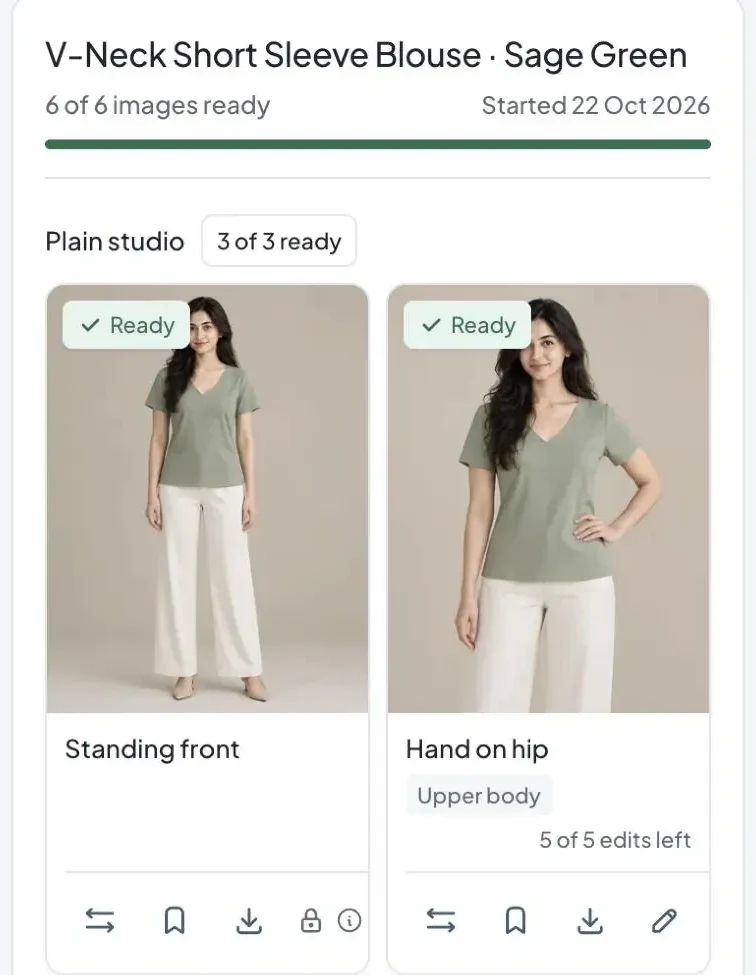
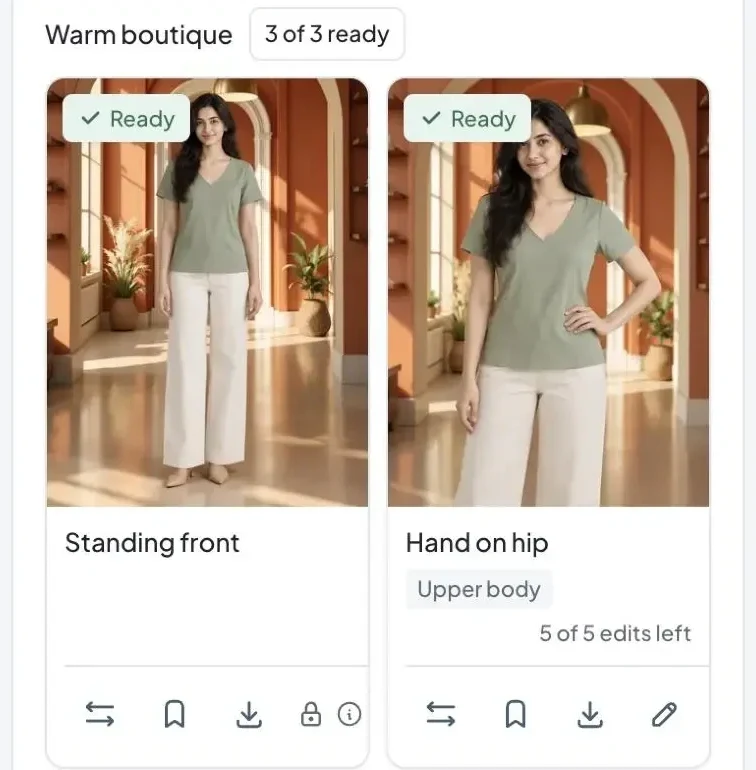
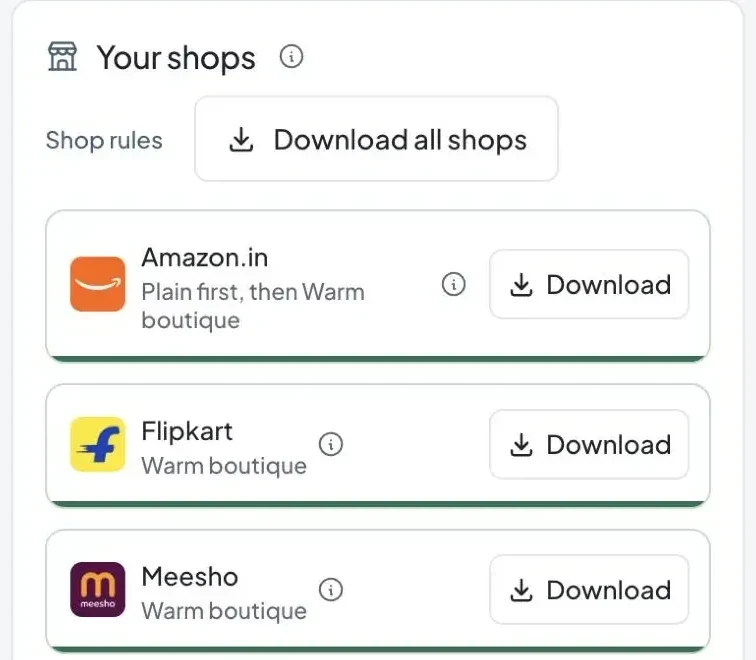
Real Skimzy screens from a sample brand.
Good to know
Add clear front, back and detail photos to Catalog, with the whole garment visible and no heavy filters. Review the prepared front before making the back; approve both before making photoshoots, listing images or ads. Optional approved side/detail views add coverage.
AI can change garment details. Always compare the result with your original: colour, print placement, seams, embroidery, proportions and visible text. Save the images that represent your product faithfully and request changes when needed.
Use a shared visual direction, model references, brand colours and styling choices, then compare your selected images together. Your saved Library helps you carry a direction into the next drop. Consistency still needs your review; it is not guaranteed by a single click.
Review the image and describe the specific change you need. Supported image workflows allow up to five explicit feedback changes after the first image. Making a new version uses credits and can shift other details, so check the displayed charge and review the whole result. There is no automatic paid retry.
Small team. Big creative energy.