You bring the clothes. We bring the studio.
From one garment
to your next campaign.
You don’t need a design degree. Just a clear product photo,
a sense of your brand, and an idea of what you want to make.
Start with
the actual piece.
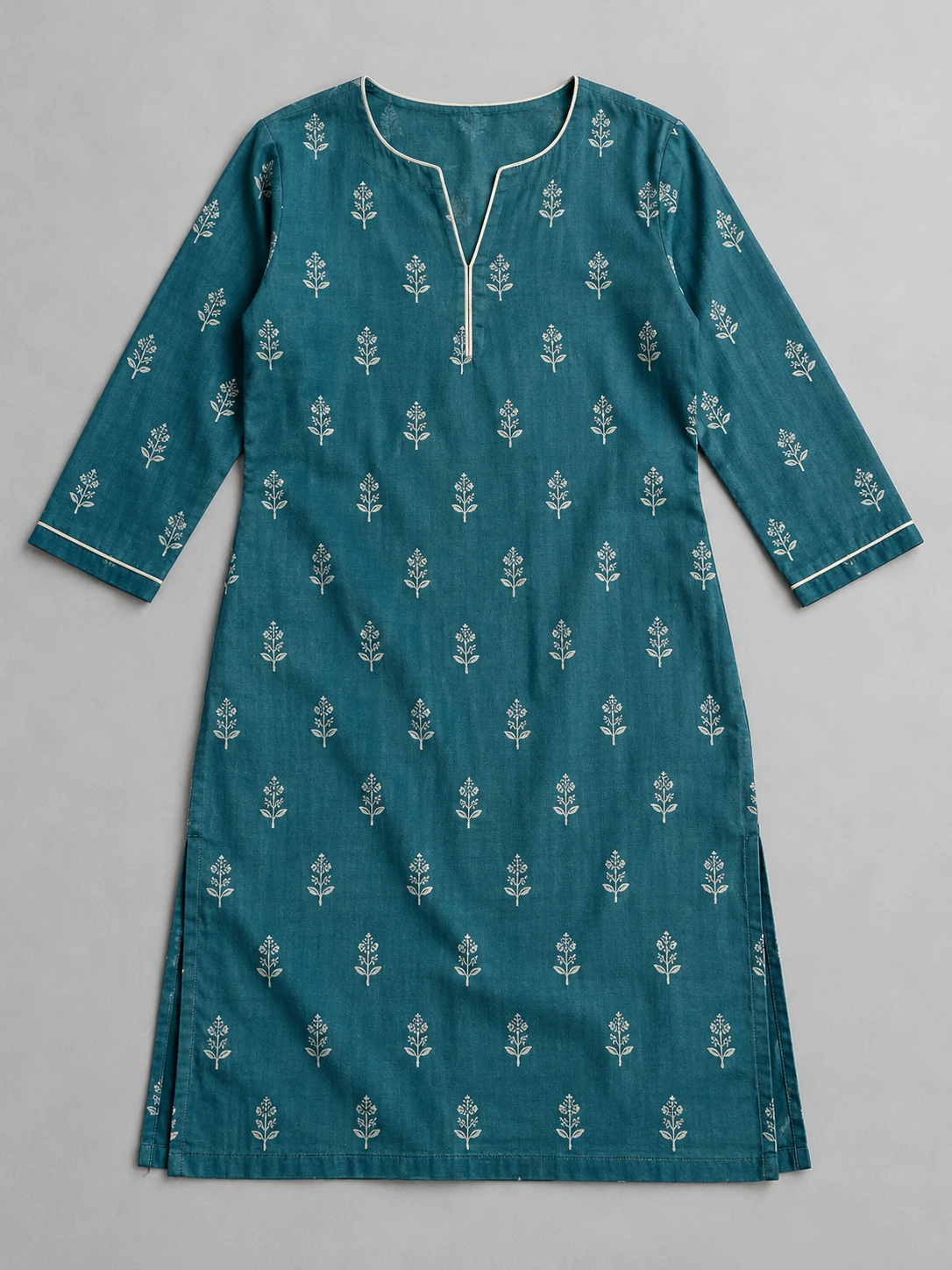
Add your product and photos to Catalog. Prepare and review the front garment view, then the back. Approve both before making garment-based content.
- Use clear front, back and detail photos you have permission to use
- Current preparation uses reviewed, face-hidden human garment views; optional side/detail views add coverage
- Recheck references when product photos or details change
Sunlit.
Easy.
Everyday.
Make it feel
like your brand.
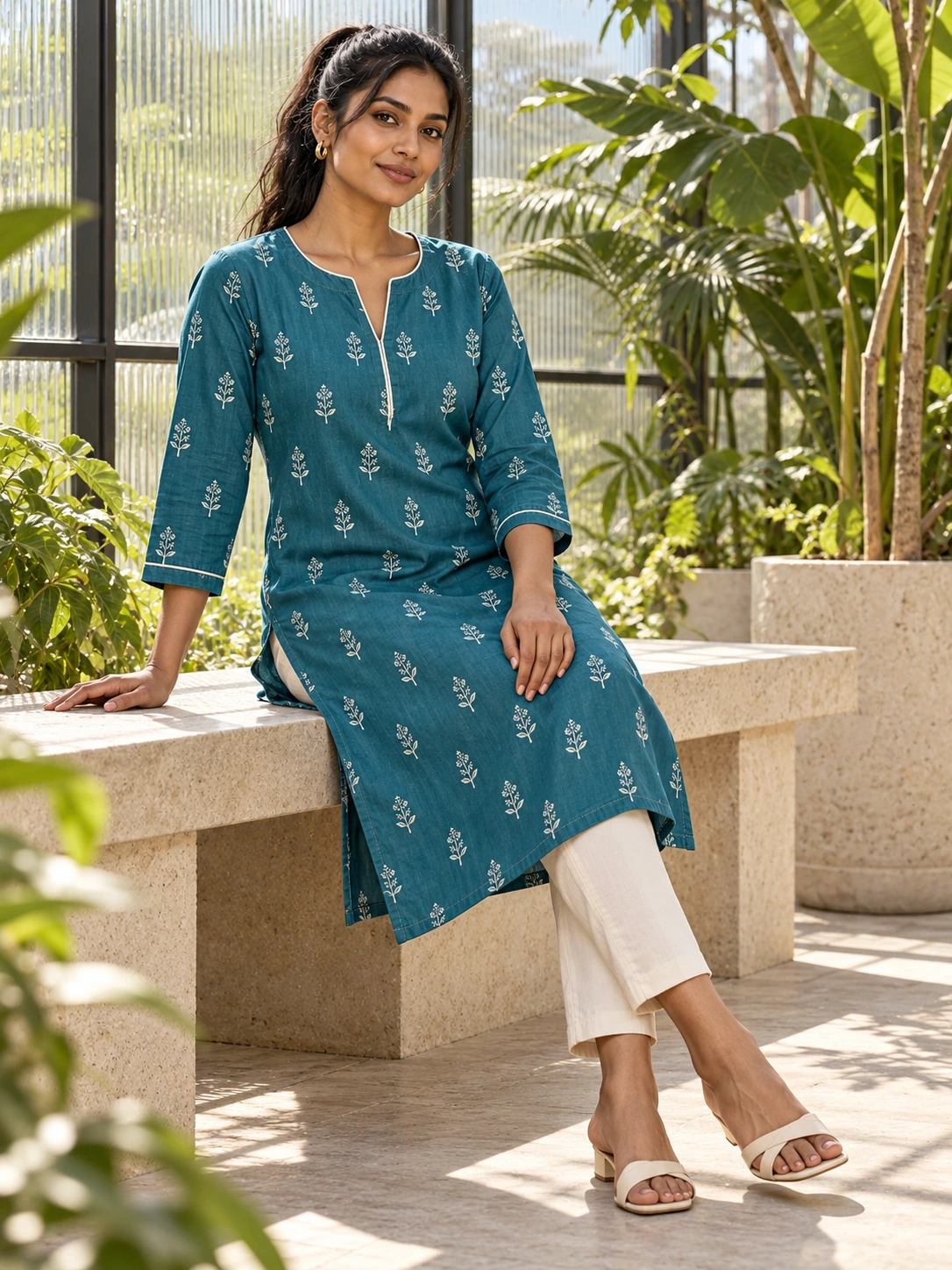
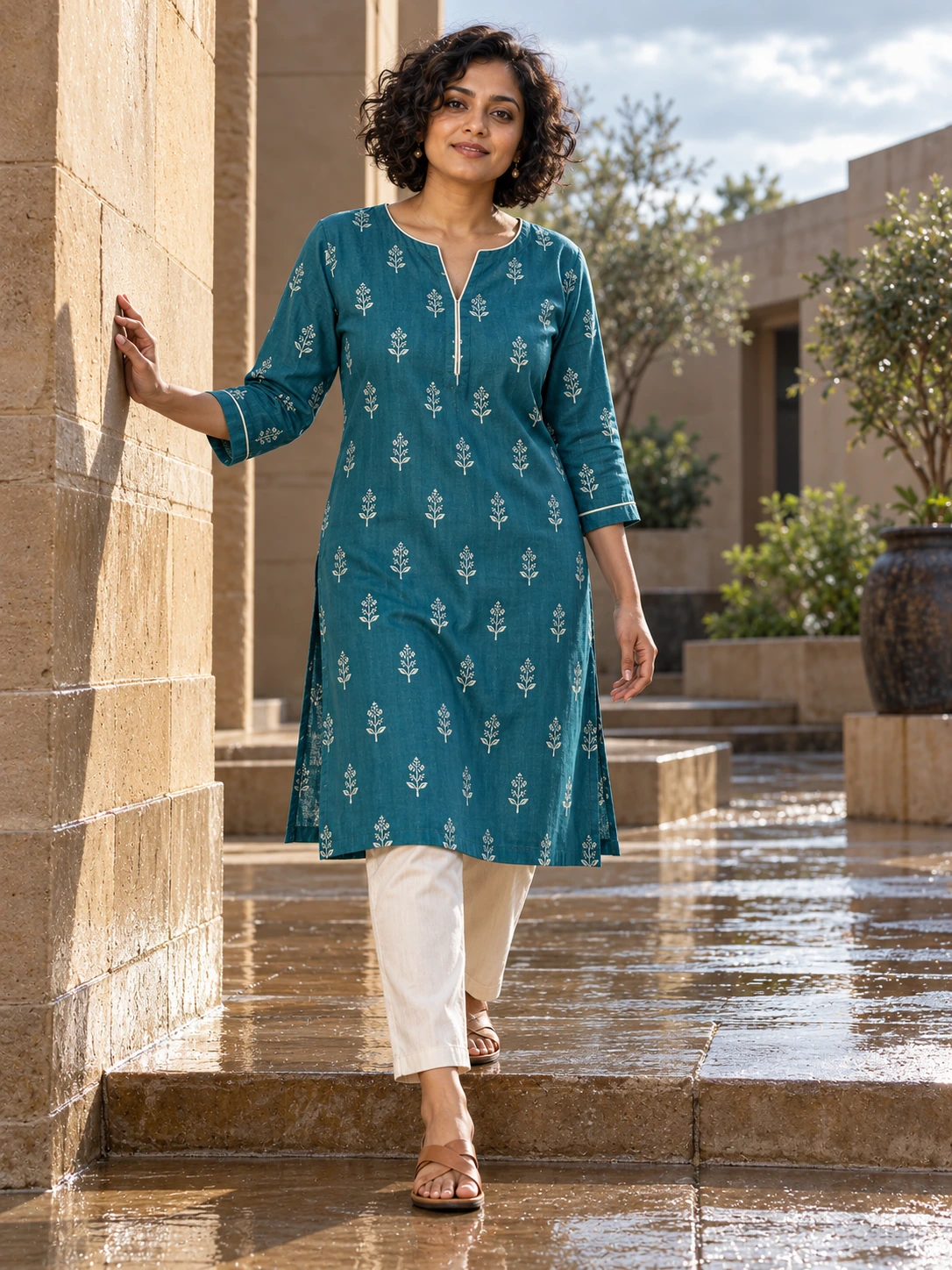
Choose a model, style, shape and 1K/2K quality setting for your photoshoot. For listing sets, choose the look and poses, then review the front before making the remaining shots.
Save the results that work in Library. Prepare shop ZIPs from your listing set. Your brand kit supports ads and Calendar; it is not automatically applied to every photoshoot or clip.
Your next creative chapter
From a great still
to a moving story.
Build a story reel from saved photos: choose a template, order shots, edit words and colour, and add music you have permission to use. Generate clips or record directly from photos. Single-photo moving clips remain Beta.
Illustrative storyboard · Not a recording of the studio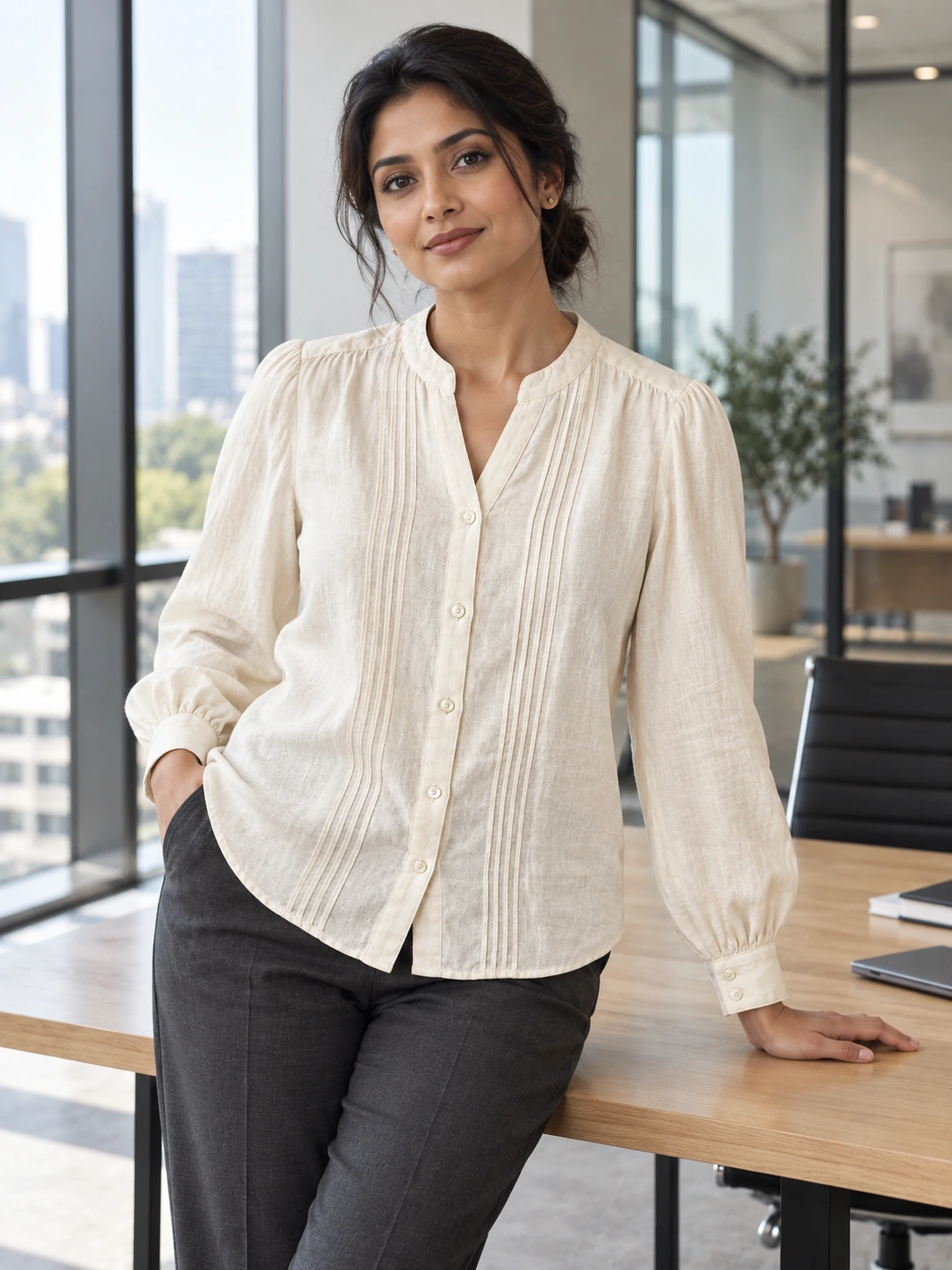 A little weekend energy.
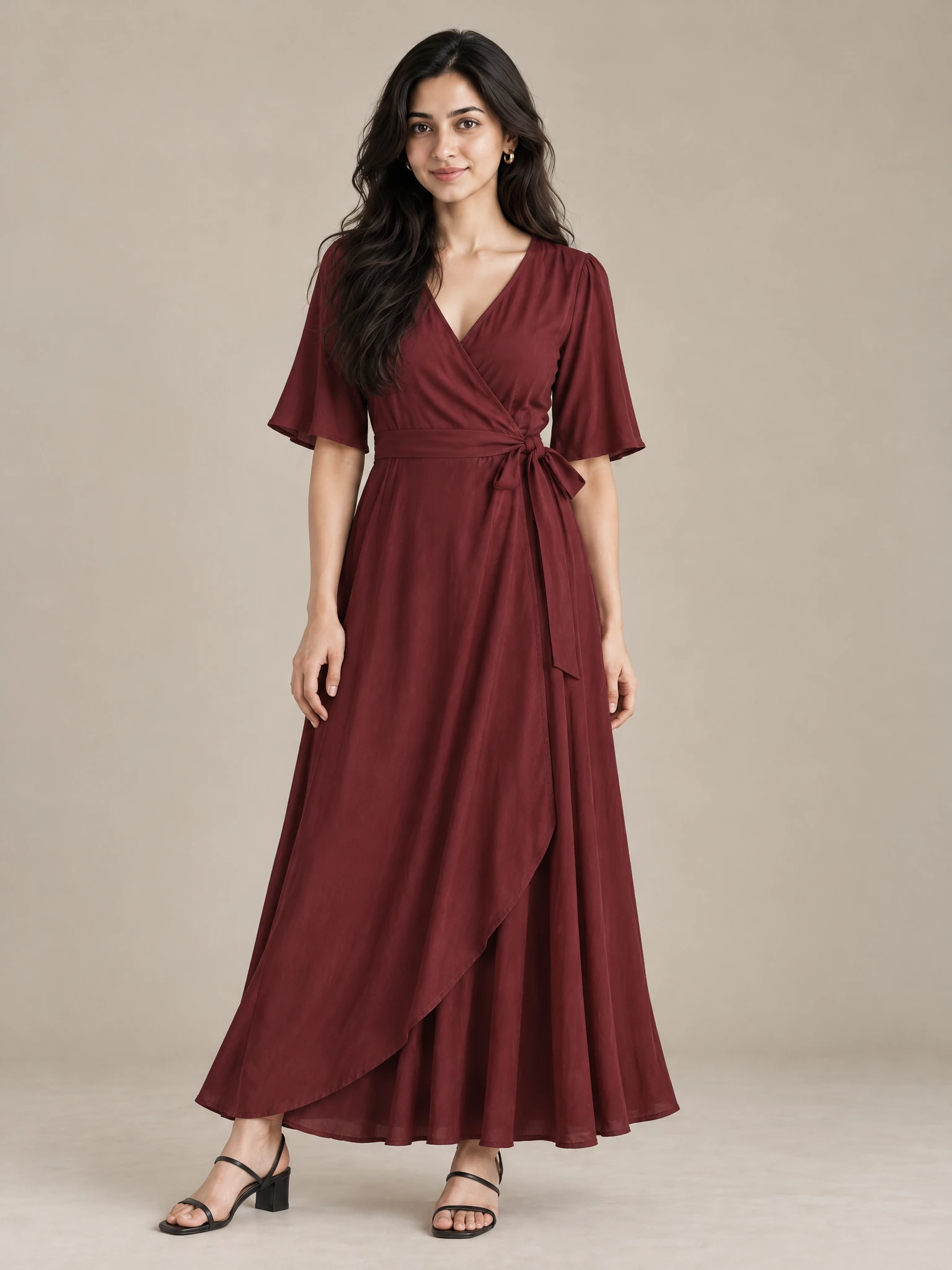
A week of content.
Still your call.
Calendar plans ads and reels within a weekly credit limit. Review the feed, edit captions and times, then approve each post before scheduled Instagram publishing. Connections are currently limited to test accounts; wider access is pending.
Your eye is the
final quality check.
AI can get details wrong. Compare the output with your source, keep what represents your product, and request a change when it doesn’t. Your brand decides what is good enough to publish.
Inside the studio
The real screens.
Start to finish.
Add a product, approve its views, make a listing set or ad, approve next week’s posts and find everything in Library.
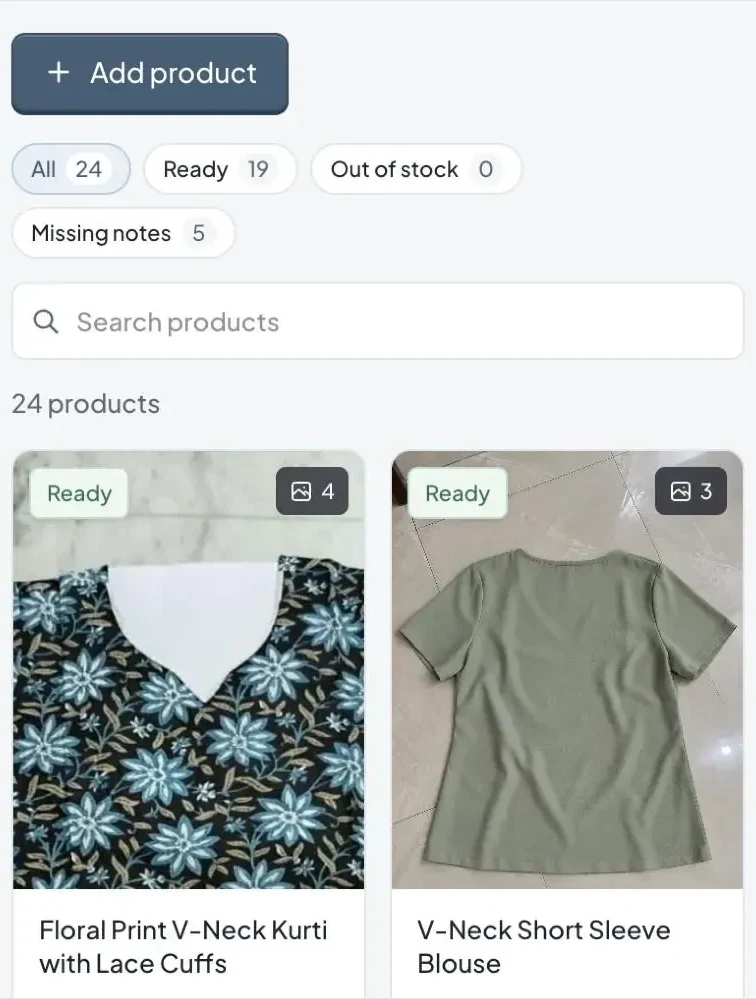
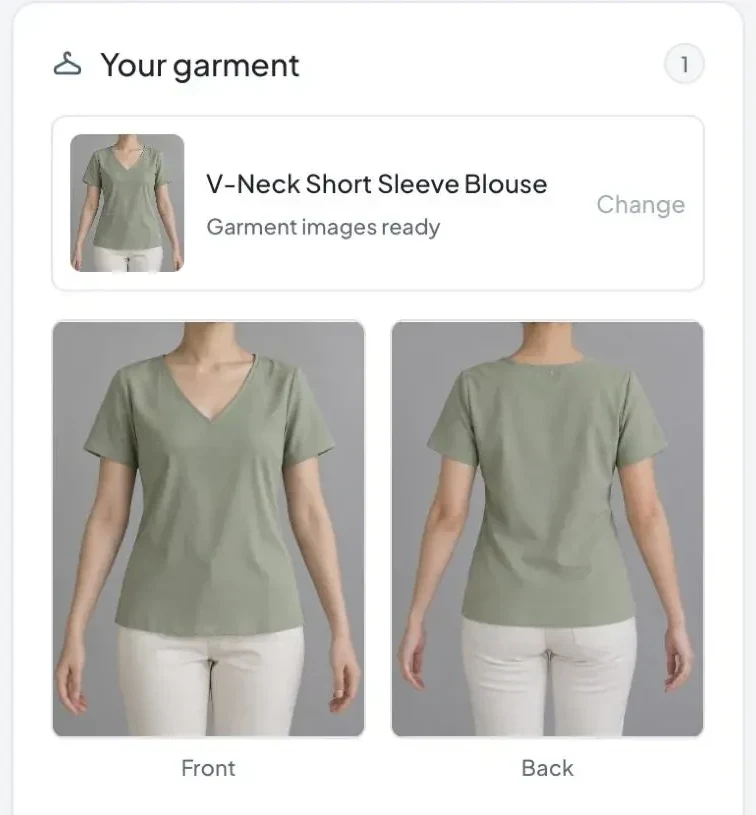
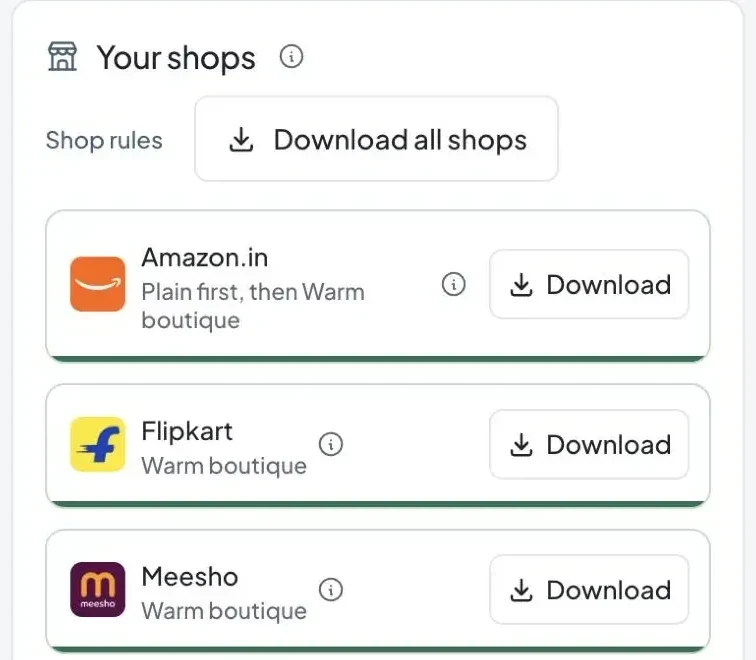
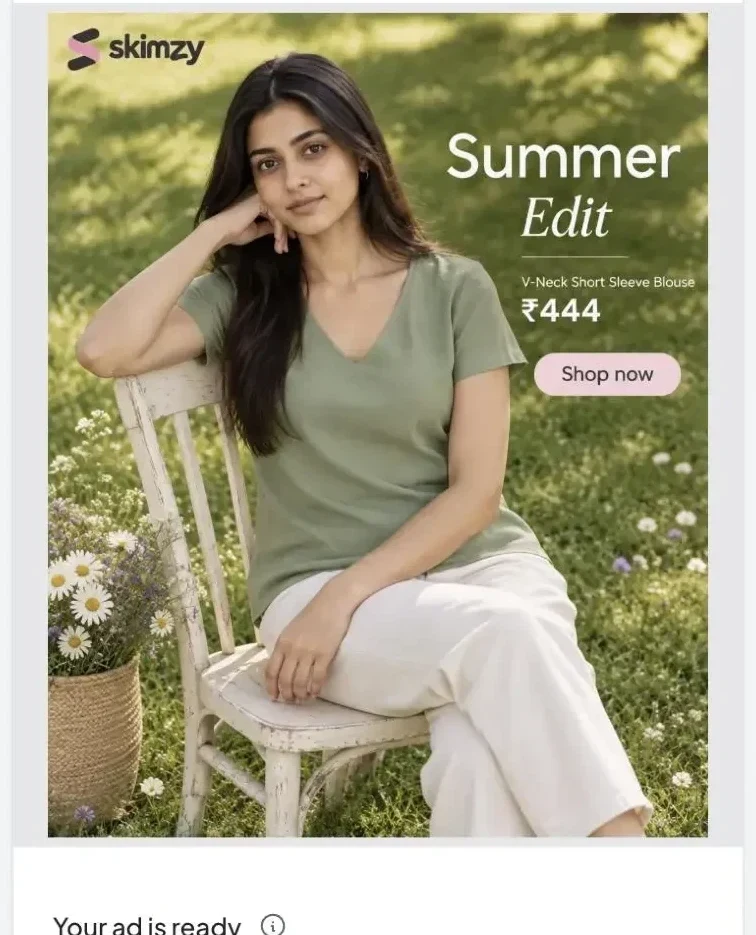
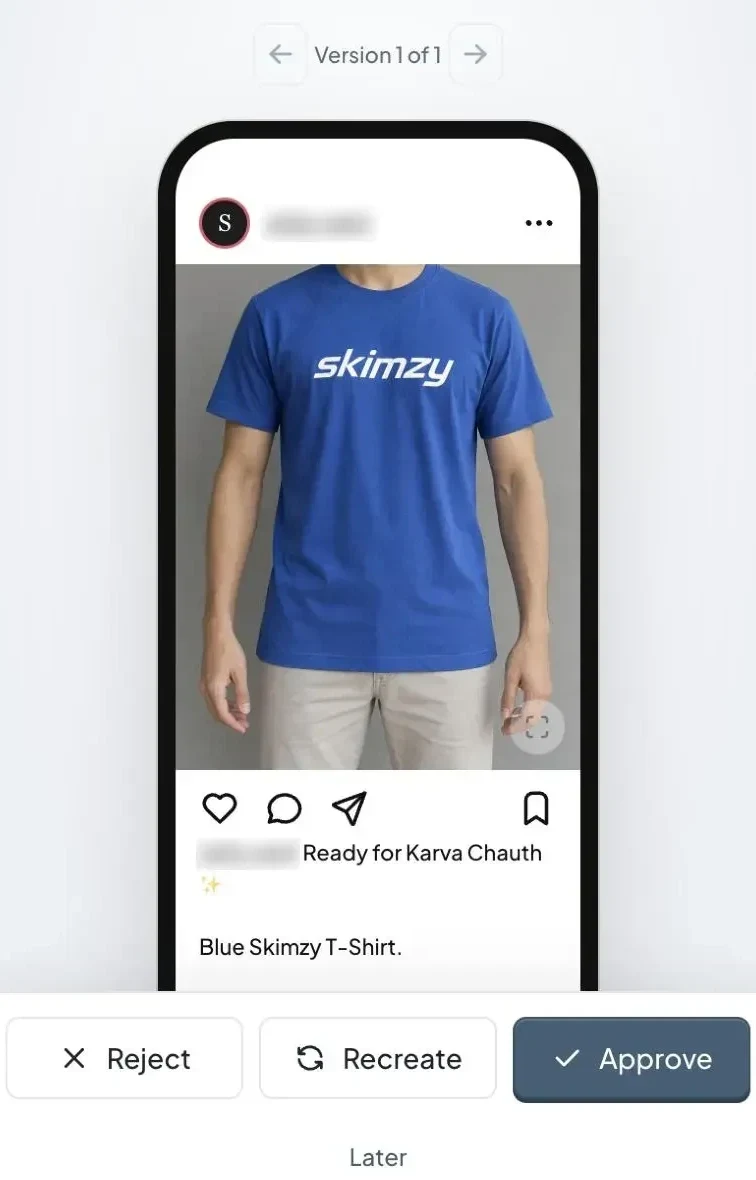
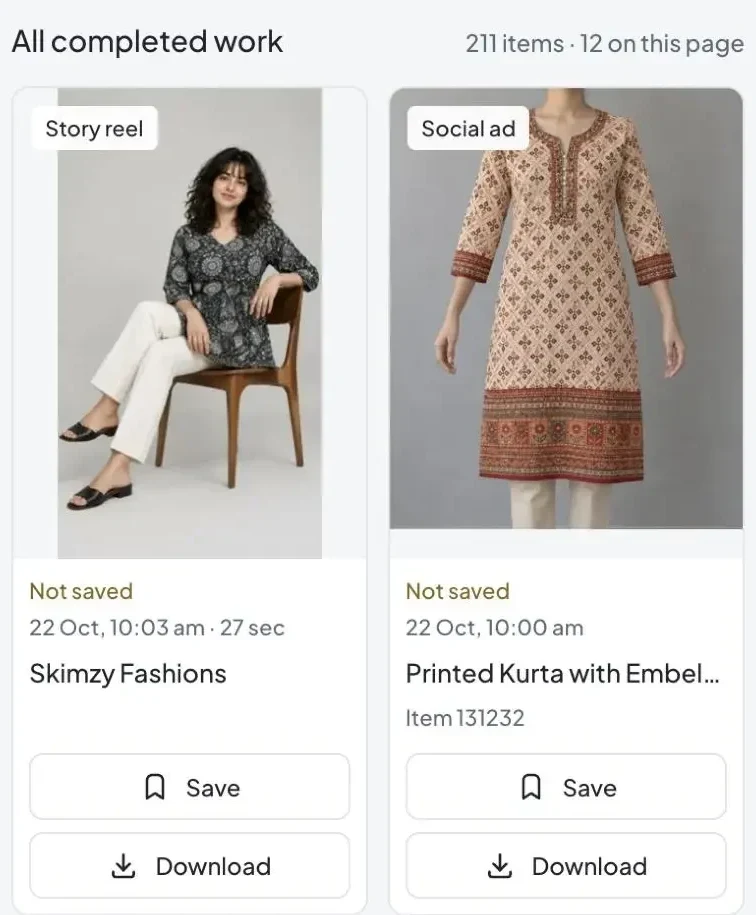
Real Skimzy screens from a sample brand.
Small team. Big creative energy.
Two ways in.
Your message stays yours.
Start an ad from approved Catalog references or a saved photoshoot. For a direct garment ad, confirm the words, price, offer and optional logo before generation.
Editing draft words or logo settings is free. Rendering a new image uses credits. Check text, layout and garment details again after each version.