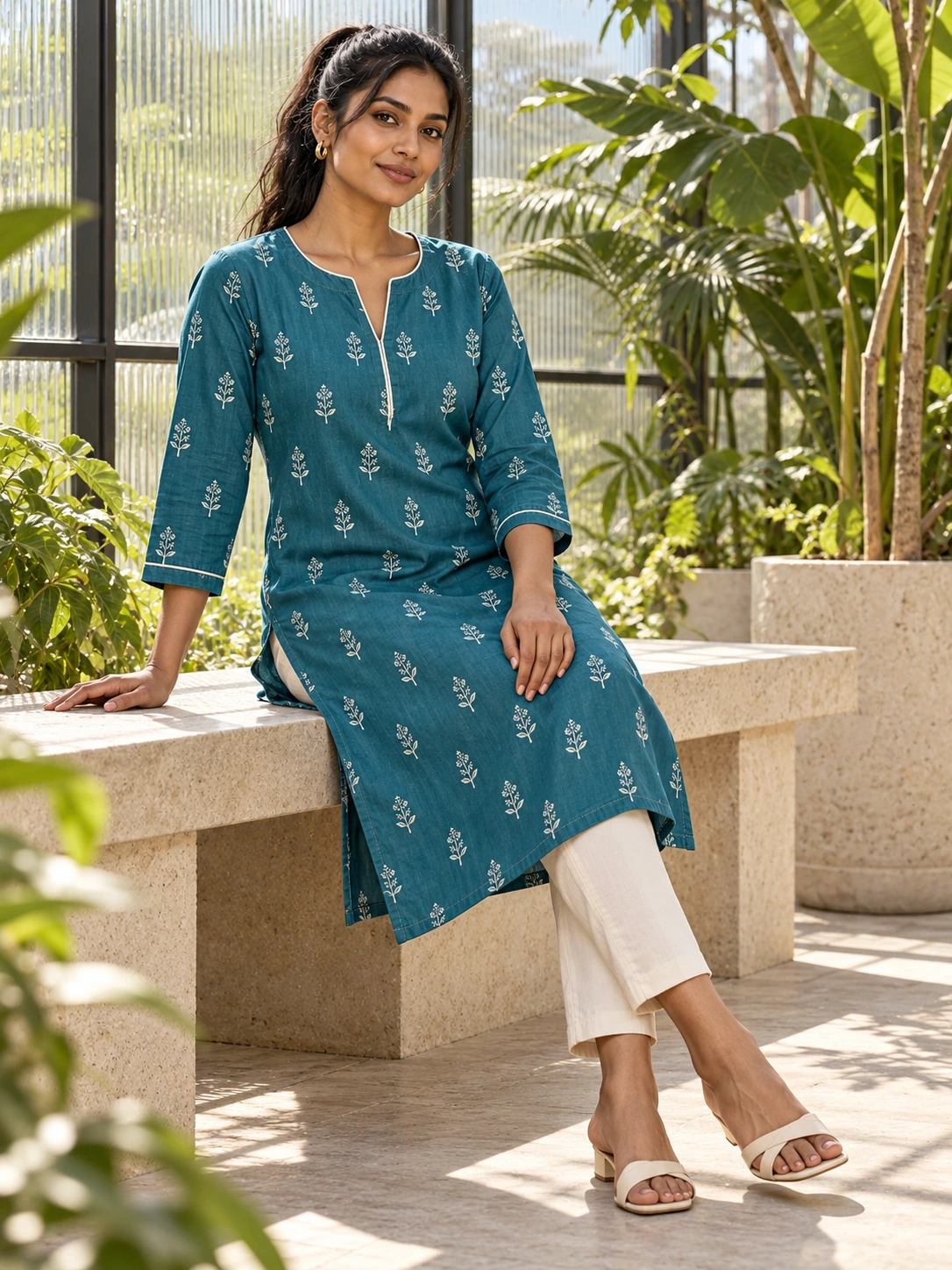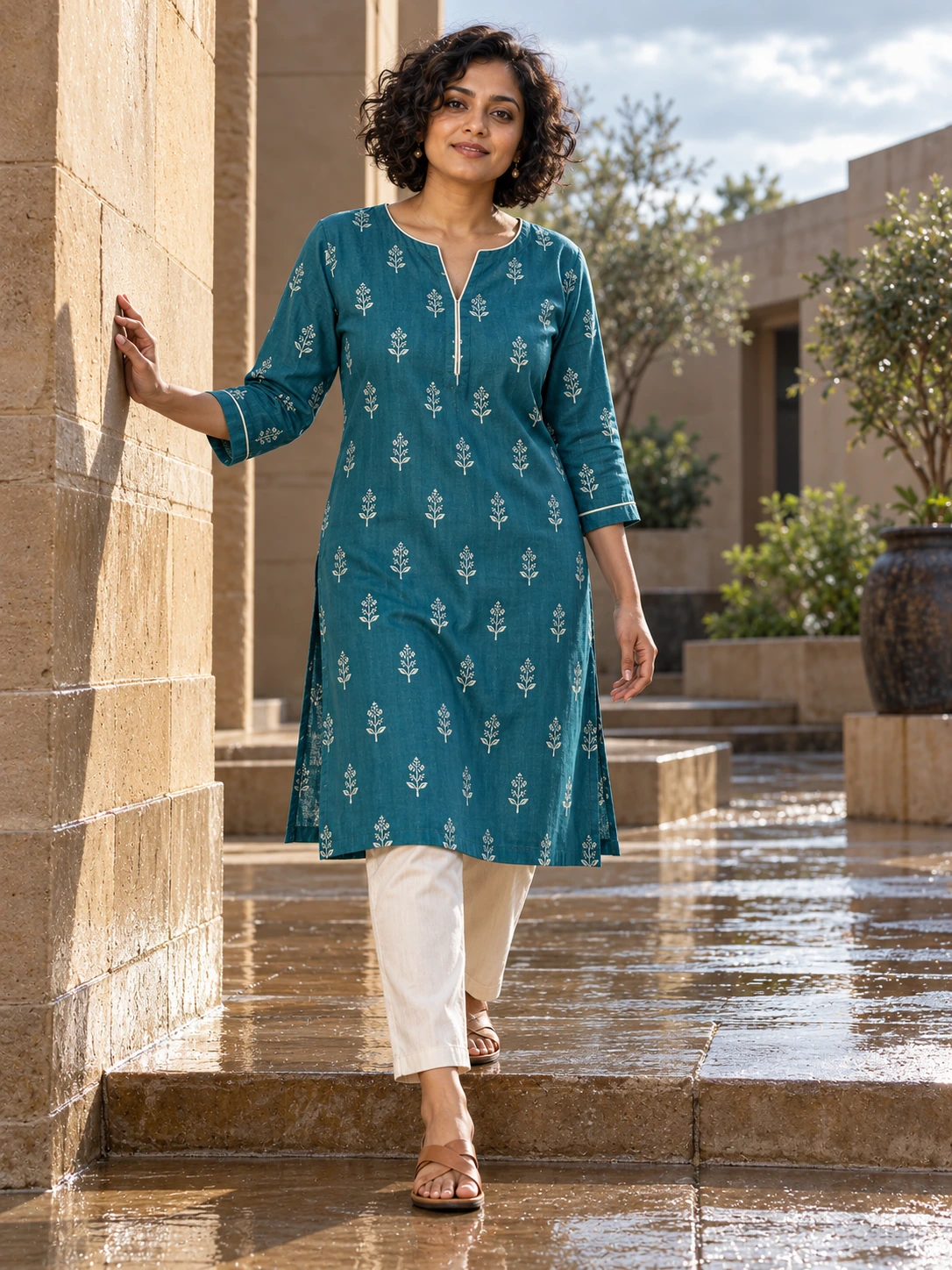

A polished image can still be wrong for the garment it is meant to show. Treat review as part of the creative process, not as a quick glance after generation. The goal is to decide whether the image represents the product clearly enough for the place where you plan to use it.
Start with the source garment photo beside the generated result. Compare the parts that matter to a customer, then widen the review to the person, the composition and any copy added for a social ad. If something is uncertain, keep the image in review until you can make a clear decision.
Check the garment from edge to edge
Look first at silhouette and construction. Compare the neckline, sleeve length, hem, seams, fastenings, pockets and visible layers. Then check colour and pattern placement. Prints can shift, borders can disappear, and small details can change shape even when the overall image feels convincing.
- Compare the main colour in neutral light against the source image.
- Trace the outer edge of the garment and look for missing or added sections.
- Check that the print, embroidery, buttons and trims are in the right places.
- Confirm that the fit and drape still make sense for the actual piece.
Review the human and the scene
Check hands, fingers, facial features, hair, jewellery and shoes at a closer scale. Look for awkward joins where the body meets the garment, especially around shoulders, wrists and waistlines. The pose should help a customer understand the product rather than hide it.
Then inspect the scene. Make sure the background supports the selected style direction and does not create a confusing outline around the garment. Look at shadows, reflections and objects near the body. Small distractions can make an otherwise useful image feel careless.
Check the message before the channel
Whether your ad starts from Catalog or a saved image, read every word slowly. For direct garment ads, confirm the words and optional logo before generation, then check the rendered result again. Confirm the product name, price, offer, spelling and call to action against the information you intend to publish. Check that the text does not cover the garment or imply something the image cannot support.
Finally, view the image at the size and crop used by the channel. A detail that is clear in the review screen may disappear in a feed crop. A short clip should receive the same checks across its movement: the garment, hands, face and any text need to remain coherent from beginning to end.
Publish decision checklist
- Does the garment match the source in colour, construction, print and fit?
- Are the person, pose and background clean enough for the intended audience?
- Is every word, price and offer accurate and legible?
- Does the crop preserve the product details that matter?
- Would you be comfortable answering a customer question using this image?
Save the image when it clears the review you set for the channel. If it does not, keep the decision specific: identify the garment detail, scene choice or message that needs another pass. A clear review makes the next creative choice easier and keeps your customer’s view of the product honest.